
AI Agent vs Automation Workflow: Which Does Your Small Business Actually Need?
An automation workflow follows fixed steps you design. An AI agent picks its own steps. Most small businesses need a workflow with one AI step, not an agent.

Founder, OperateAI
An automation workflow runs the same fixed steps every time, like a checklist. An AI agent gets a goal and decides its own steps, which tools to call, and when it is finished. For most small businesses the best choice sits in between: a fixed workflow with one AI step that reads messy text, while plain code makes every decision.

What Is the Difference Between an AI Agent and an Automation Workflow?
Every vendor now calls their product an "AI agent." That makes it hard to know what you are buying, so start with a clean definition.
Anthropic, the company behind Claude, gives the clearest one in its guide Building Effective Agents. A workflow is a system where AI and tools run "through predefined code paths." An agent is a system where AI models "dynamically direct their own processes and tool usage."
In plain words, the difference is who holds the steering wheel. In a workflow, you do. In an agent, the model does.
Automation workflow: you decide every step in advance.
- Same input, same result: always.
- Cost per run: close to zero, because no AI is involved.
- When it fails: loudly. A step errors and the run stops, so you notice.
- Best for: moving clean data between apps. Example: new order → invoice → WhatsApp confirmation.
AI agent: the AI decides the steps while it runs.
- Same input, same result: not guaranteed.
- Cost per run: higher, because the AI is called many times per task.
- When it fails: quietly. A wrong decision looks exactly like a right one.
- Best for: open-ended conversations and research. Example: a WhatsApp buyer chat that asks, compares and answers on its own.
There is also a third option in between, and for most small businesses it matters more than either end.
The Middle Option Most Owners Never Hear About: The AI-Powered Workflow
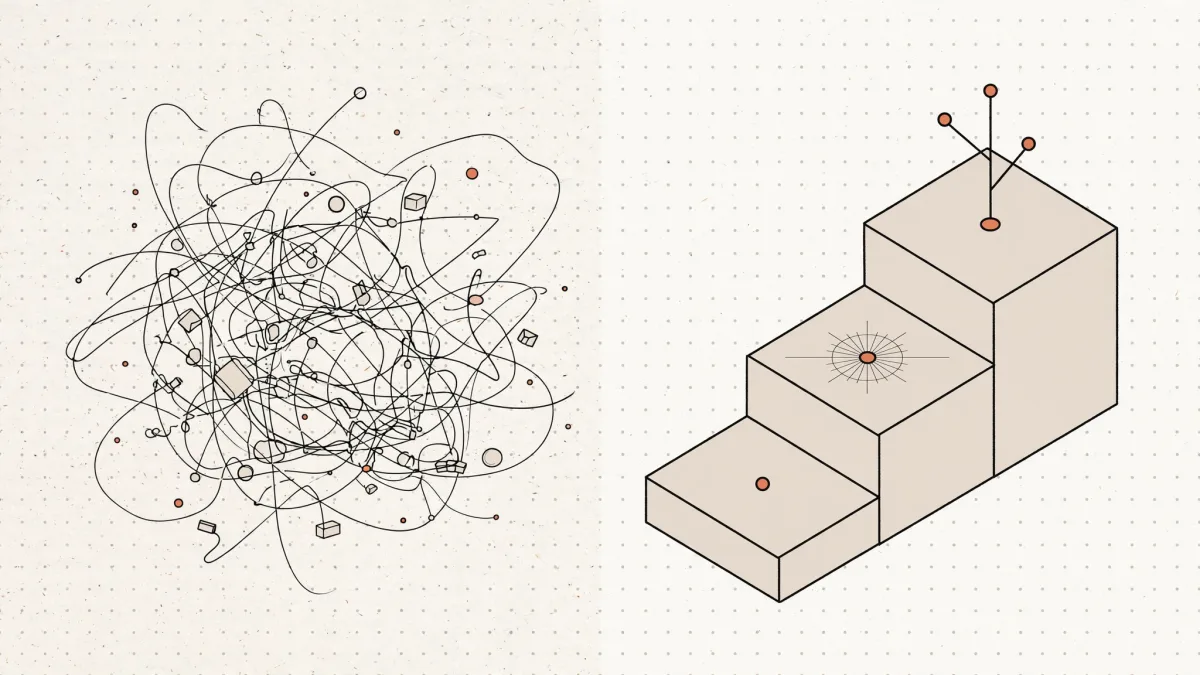
Most pitches offer two choices: old-school automation or a shiny agent. The third level is where a small team gets most of its value.
- Level 1, plain workflow. Fixed steps, no AI. Perfect when the input is already clean: a form field, an order total, a date.
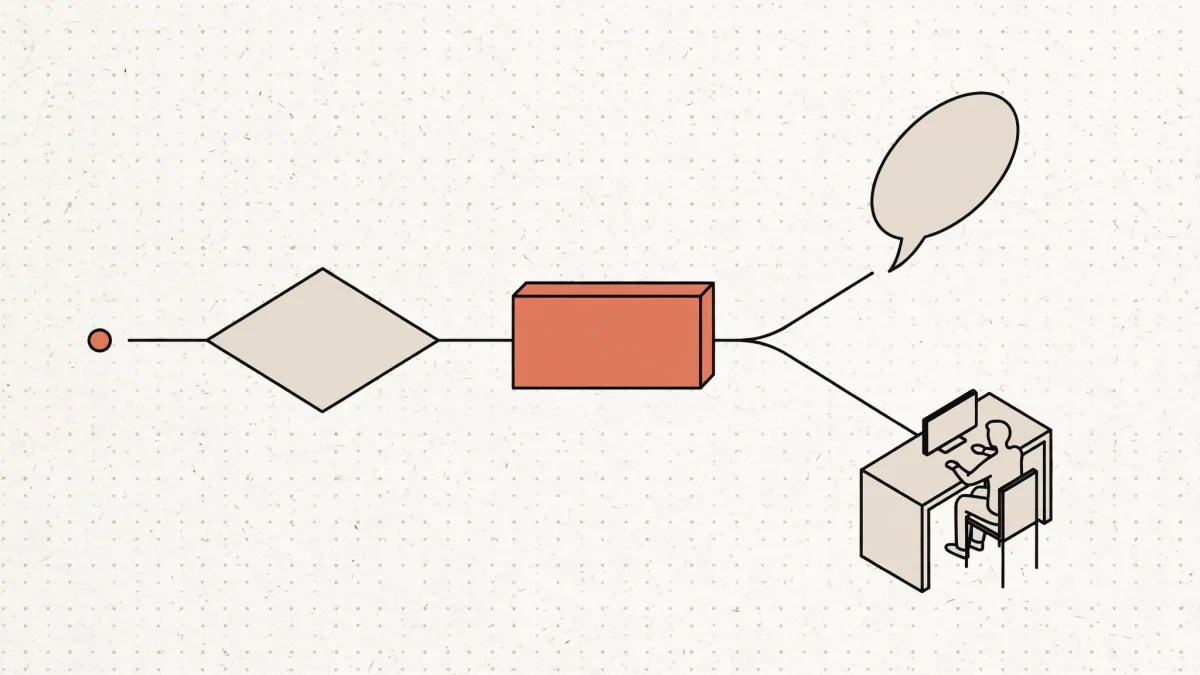
- Level 2, AI-powered workflow. The same fixed steps, but one step hands messy text to an AI with one narrow job, like "pull out the invoice number" or "what does this customer want?" Code checks the answer and decides the next step. It costs one or two AI calls per run and still fails loudly. Example: a lead form where AI pulls out job title and intent, then code scores the lead.
- Level 3, AI agent. The AI gets a goal and a toolbox, then plans its own route. More capable, but slower, more expensive and harder to predict.
Anthropic's own advice points the same way. Its guide says that for many applications, "optimizing single LLM calls with retrieval and in-context examples is usually enough." In other words, one well-aimed AI step inside a fixed process often beats a full agent.
When Does a Small Business Actually Need an AI Agent?
OpenAI's A Practical Guide to Building Agents lists three signals that a task deserves an agent. If your task shows none of them, a regular workflow will do the job more cheaply and more reliably.
| OpenAI's signal | In a small business |
|---|---|
| Complex, judgment-based decisions | A buyer on WhatsApp asks about sizes, then price, then delivery to a small town, in any order |
| Rules too tangled to maintain | Your "if the customer says X, reply Y" list keeps growing and still misses half the messages |
| Heavy reliance on unstructured data | Voice notes, photos of handwritten orders, long email threads in Hinglish |
We hit all three on a WhatsApp build for a Jaipur footwear retailer. Ads brought 200–250 enquiries a day, and the owner could answer 70–85 himself. No fixed flowchart survives strangers asking anything, in any order. That is a real agent job.
| Result | Number |
|---|---|
| First reply time | 9 seconds |
| Serious buying conversations a day | 60–70, up from 10–15 (the owner's own count) |
| Enquiries left unanswered | About 170 a day → 0 |
Most tasks in a small business are not like that. Invoices, order updates, lead scoring and reports follow rules you can already write down.
Why Most "AI Agents" Sold to Small Businesses Are Overkill
Three reasons, each from a primary source.
1. Many of them are not agents. Gartner calls it "agent washing": vendors rebranding chatbots, AI assistants and robotic process automation (older rule-based bots) as agents. In its June 2025 forecast, Gartner estimated only about 130 of the thousands of agentic AI vendors are real. It also predicted that over 40% of agentic AI projects will be cancelled by the end of 2027, due to "escalating costs, unclear business value or inadequate risk controls."
2. They get less reliable as the conversation gets longer. Salesforce AI Research tested leading models on realistic business tasks in its CRMArena-Pro benchmark. Agents succeeded about 58% of the time on single-step tasks and about 35% on multi-turn ones. Models have improved since that 2025 test. The lesson has not changed: every extra decision you hand the AI is one more place it can be wrong.
3. They cost more to run. Anthropic measured that agents use about 4 times more tokens than a normal chat, and multi-agent systems about 15 times more. Tokens are what you pay the AI provider for every word the model reads and writes.
If a workflow can do the task, an agent adds cost and risk and nothing else.
A Real Example: The AI Reads, the Code Decides
Our 60-Second Lead Reply playbook is a level 2 build. It handles 40 to 50 inbound leads a day from website forms, LinkedIn and WhatsApp. Before it, every lead was researched by hand and the first reply took 3.5 hours on average.
Here is how the work is split:
- The AI reads. One step pulls six facts out of each message: job title, company, what they want, any timing signal, whether budget came up, and a one-line summary.
- The code decides. Plain JavaScript scores the lead from 0 to 10. Seniority, email domain and intent keywords each carry a fixed weight.
- A check catches gaps. If there is no way to reply, no name, or too little message to understand, the lead goes to a manual review tab with the reason written down.
- Only hot leads get an instant reply, drafted by AI and sent on the lead's own channel.
| Result | Number |
|---|---|
| First reply time | Under 60 seconds, down from 3.5 hours |
| Leads handled with no human touch | 80% |
| Intent read correctly | 92% |
An agent could have "decided" which leads matter. Then a model would own your sales priorities, and nobody could explain why a good lead got ignored. Code scoring is boring, explainable, and gives the same answer every time.
The 60-Second Test: Which One Do You Need?
Answer these five questions for the process you want to automate. Stop at the first yes.
| Question | If yes, build this |
|---|---|
| Can you write every step as a checklist today, and is the input already clean? | Plain workflow |
| Is the input messy (emails, PDFs, voice notes, chats) but the decision after it follows rules? | AI-powered workflow |
| Does the task need back-and-forth with a person, in an order you cannot predict? | AI agent, for that conversation only |
| Would one wrong decision cost money or a client? | Keep the decision in code, or add a human approval step |
| Has your rules list grown so long that you cannot keep it updated? | Consider an agent for that part only |
Most owners say yes to the second question. That is good news: an AI-powered workflow is cheaper to build, cheaper to run, and far easier to trust than an agent.
How to Start Without Wasting Money
- Pick one painful process. Not "use AI." One process with a clear before-and-after number, like reply time or hours spent a week. Our 30-minute AI audit walks through how to choose it.
- Build it as a workflow first. Get the plain version live. You will learn where it really breaks before you add anything clever.
- Add AI only where the input is messy. One narrow job per AI step, with code checking the output. The Safe AI Framework shows the guardrails.
- Move to an agent only for the conversational part. Give it limited tools, full logs and a handoff to a human. Our post on why AI automations break in month 2 covers what goes wrong when you skip this.
You do not need a different tool for each level. In n8n, the same canvas runs plain workflows, a Basic LLM Chain for single AI steps, and an AI Agent node that chooses from the tools you connect (n8n docs). For real build and running costs, see our AI automation cost breakdown for India, or read about our n8n consulting.
Not sure which level your process needs?
Book a free 30-minute AI audit with founder Ajay Singhadiya →
No pitch deck. We look at one process together and tell you honestly whether it needs AI at all.
FAQ
Q: Is ChatGPT an AI agent? Regular ChatGPT answers what you ask, so it works as an assistant. Its agent mode behaves more like an agent, because it plans steps and uses tools like a browser on its own. For your business, the real question is simpler: does the AI or your code decide what happens next?
Q: Can n8n build AI agents? Yes. n8n has an AI Agent node that decides which connected tools to call, and a Basic LLM Chain node for single AI steps without tools or memory. One self-hosted n8n setup can run plain workflows, AI-powered workflows and agents side by side.
Q: Are AI agents more expensive to run than workflows? Usually, yes. An agent calls the AI model many times per task to plan, pick tools and check its work. Anthropic measured agents using about 4 times the tokens of a normal chat, and multi-agent systems about 15 times. A plain workflow uses no AI tokens at all.
Q: What is agent washing? Agent washing is Gartner's term for vendors rebranding chatbots, AI assistants or robotic process automation as AI agents without real agent abilities. Gartner estimates only about 130 of the thousands of vendors claiming agentic AI are real. Ask any vendor one question: who decides the next step, the model or fixed code?
Q: Is it safe to let an AI agent act without a human checking? Only for low-stakes actions you can undo, like answering a stock question. Anything that touches money, a promise to a client or customer data should pass code checks and a human approval step first. Start with the AI reading and the code deciding.
Want help putting this to work?
Book a free 30-minute AI audit. We'll show you exactly what to automate and in what order.
Get Your Automation Plan
OperateAI · Field Notes · No. 15
Keep reading
All articlesThe Safe AI Framework: How Small Businesses Automate Daily Tasks Without Costly Mistakes
Sep 20, 2026 · 10 min readE-CommerceThe Big 4 Support Questions: How E-Commerce Stores Automate 70% of Customer Messages
Aug 22, 2026 · 10 min readAutomationHow to Automate Vendor Invoice Processing with AI (The 4 Guardrails That Make It Safe)
Aug 12, 2026 · 16 min read