
Automation
How to Automate Payment Reminders (Politely)

Ajay Singhadiya, Founder, OperateAI
13 min read
On this page · 8 sections
Automating payment reminders means your invoices chase themselves. A scheduled workflow reads every open invoice each morning, works out how late it is, and sends the right polite message on WhatsApp or email. It stops the moment the client pays or replies, and hands the account to a person when money is seriously overdue.
Why Owners Stop Chasing
Most late invoices are not a software problem. They are a feelings problem.
One owner on Reddit, sitting on unpaid invoices, put it plainly: "these are good clients, you know? I dont want to be the guy hounding them over an invoice." Another described the routine as "sending reminder after reminder, trying to sound firm but not pushy, never quite knowing when to escalate."
So the reminder gets sent late, or not at all, or in an irritated tone after three weeks of silence. Automation fixes the feelings problem in a boring way. The schedule is decided once, in a calm moment, and the messages go out on time whether you feel awkward or not.
The Reminder Ladder
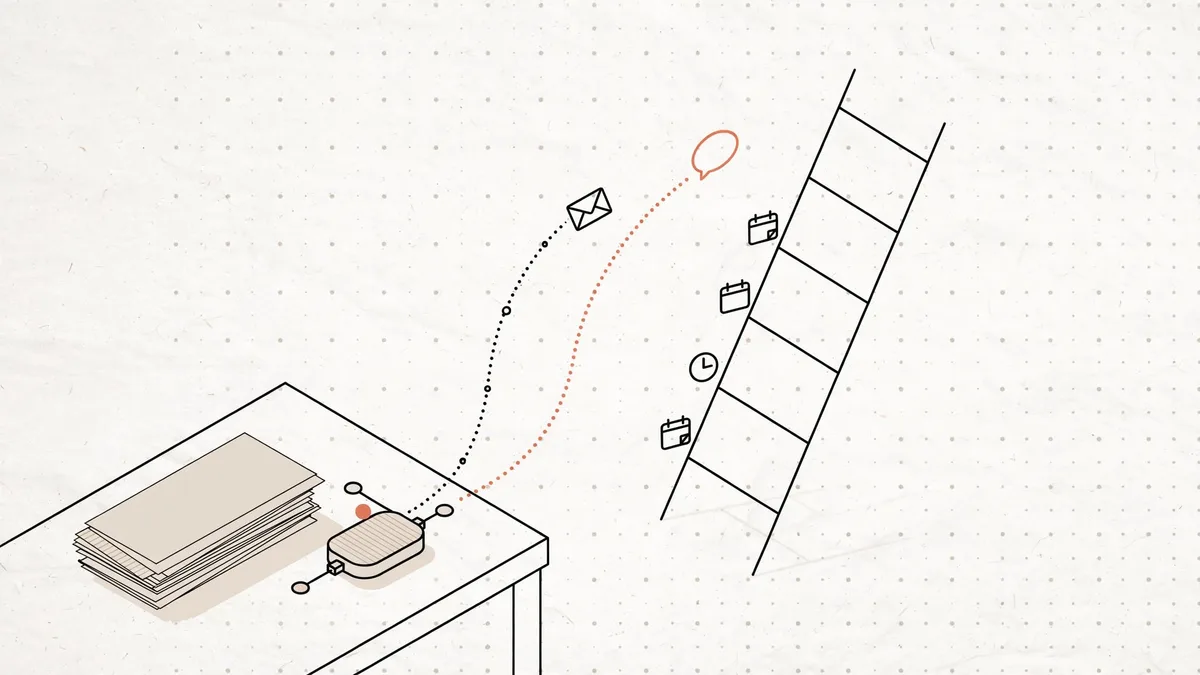
A reminder ladder is a fixed set of messages tied to the invoice's due date. Each step gets a little firmer. This five-step ladder fits most small businesses:
| When | What goes out |
|---|---|
| 3 days before due | Friendly heads-up, invoice attached |
| Due date | "Due today", with a payment link |
| 7 days late | Polite nudge: "may have slipped" |
| 15 days late | Firm note, asks for a payment date |
| 30 days late | Last automated message, then a call |
Three rules keep the ladder polite:
- One message per step. Never send two reminders for the same invoice on the same day, even if it is on two channels.
- Every message offers an exit. "If you have already paid, please ignore this" stops a paid client from feeling accused.
- No automated message after day 30. At that point a machine sounds rude. A person picks up the phone.
Adjust the days to your payment terms. If you give 45 days of credit, the ladder still counts from the due date, not the invoice date.
Payment Reminder Templates That Stay Polite
Each template uses sample values. The highlighted words are the fields your workflow fills in from the invoice: client name, invoice number, amount, due date and payment link.
3 days before due
Hi Priya, a quick heads-up that invoice INV-1042 for ₹18,500 is due on 12 October. A copy is attached. Thank you!
On the due date
Hi Priya, invoice INV-1042 for ₹18,500 is due today. You can pay here: your payment link. If it is already done, please ignore this message.
7 days late
Hi Priya, invoice INV-1042 for ₹18,500 was due on 12 October and still shows as open on our side. It may have slipped through. Could you take a look? Payment link: your payment link
15 days late
Hi Priya, invoice INV-1042 for ₹18,500 is now 15 days overdue. Could you reply with the date we can expect payment? If there is a problem with the invoice, tell us and we will sort it out.
30 days late
Hi Priya, invoice INV-1042 for ₹18,500 is 30 days overdue. Rahul from our team will call you this week to close this out.
Hindi version, on the due date
नमस्ते प्रिया जी, बिल INV-1042 के ₹18,500 का भुगतान आज देय है। भुगतान लिंक: आपका पेमेंट लिंक। अगर भुगतान हो चुका है, तो कृपया यह संदेश अनदेखा करें। धन्यवाद!
The 15-day message does the most work. Asking for a date turns a vague debt into a specific promise you can follow up on. Notice that none of the templates mention late fees. Put your terms on the invoice itself, and let the reminders stay friendly.
Email, WhatsApp or a Call: What Each Costs
Each channel has a different cost and a different job.
| Channel | Cost per reminder |
|---|---|
| Effectively free | |
| WhatsApp API | ₹0.115 (India) |
| Phone call | Your time |
Email is free and holds the invoice PDF well, but it is easy to ignore. WhatsApp gets read. On the WhatsApp Business API, a payment reminder is a utility template (a pre-approved message Meta allows for transactions, like order and payment updates). Since 1 October 2026, utility templates in India cost ₹0.115 each with no free monthly allowance, as we explain in our WhatsApp API pricing breakdown.
The cost is small. A business with 120 overdue invoices a month that sends 3 WhatsApp reminders each pays 360 × ₹0.115 = about ₹41 a month. The free WhatsApp Business app on your phone costs nothing, but every message is sent by hand, so it cannot run a ladder for you.
| 3 reminders each | Cost a month |
|---|---|
| 50 invoices, 150 messages | ₹17.25 |
| 120 invoices, 360 messages | ₹41.40 |
| 500 invoices, 1,500 messages | ₹172.50 |
A phone call is the most expensive channel and the most effective one. Save it for day 30, and for any amount large enough that a lost client would hurt.
Check What Your Accounting Software Already Does
Before you build anything, turn on what you already pay for.
- Zoho Books can schedule reminder emails before and after the due date on its own. Switch them on. Its WhatsApp option is a manual send from each invoice.
- TallyPrime (Release 4.0 onwards) can send reminder letters on WhatsApp through its Interakt integration. Someone still has to open Bills Receivable, pick the customers and press Alt+M every time. Nothing runs on a schedule.
If you are on Zoho Books and email reminders are enough, stop here. That covers it for free in about ten minutes.
You need a custom workflow when you want four things the built-in tools do not do together:
- WhatsApp reminders that go out on a schedule, not when someone remembers.
- A ladder that stops the moment a client replies, not just when they pay.
- Automatic handover to a person at day 30 or above an amount you set.
- One system across several data sources, such as Tally for billing and a Google Sheet for project clients.
How to Wire Up Automated Payment Reminders
Here is the build in n8n (an automation tool that connects apps and runs steps on a schedule). The same logic works in Make or Zapier.
- Start every morning at 10 AM. A Schedule Trigger runs the workflow once a day, inside business hours. Reminders at 11 PM look like spam.
- Read every open invoice. Pull invoice number, client, phone, email, amount and due date. Zoho Books and QuickBooks have direct n8n nodes. For Tally, export the Bills Receivable report to a Google Sheet daily, or read it over Tally's XML interface if n8n runs on your office network.
- Re-check payment status. Confirm the invoice is still unpaid right before sending. A client may have paid since yesterday's run, and this one check prevents the most embarrassing mistake.
- Work out the ladder step. Count the days from the due date and match it to a step: −3, 0, 7, 15 or 30. No match today means no message today.
- Check the log. Look up whether this invoice already got this step. If it did, skip it. This stops double sends when the workflow re-runs after an error.
- Send, then write it down. Send the WhatsApp template through your provider and the same text by email. Then add a row to the log with the invoice, step, channel and time.
- Listen for replies. Your WhatsApp provider can send incoming messages to n8n. Any reply from a client pauses their ladder and alerts a person.
Steps 3 and 5 are the guardrails. Without them, even a workflow that is almost always right will annoy your best clients. We cover this pattern in our framework for safe AI automation. We cover what to do when a workflow quietly stops running in why automations break in month two.
When a Human Takes Over
The automation handles the routine reminders. These cases go to a person, every time:
- The client replies. Any reply, even "ok", pauses the ladder. A bot answering "we have a problem with your invoice" is how you lose a client.
- The invoice reaches day 30. The last automated message promises a call. Make the call.
- The amount is large. Set a threshold, for example ₹1,00,000, above which every step after the due date goes to you for approval first.
- The client is disputing the work. Tag the invoice as disputed, and the workflow skips it until the tag is removed.
Reminders get paid invoices faster. They do not fix a broken relationship, and they should never try.
India: The 45-Day Rule and the ODR Portal
If your business is a micro or small enterprise in India, the law gives your reminders weight. Three rules matter.
The 45-day limit. Under Section 15 of the MSMED Act, 2006 (the Micro, Small and Medium Enterprises Development Act), a buyer must pay a micro or small supplier within the agreed date, and the agreed date can never be more than 45 days after the buyer accepts the goods or service. With no written agreement, the limit is 15 days.
Interest at three times the bank rate. Under Section 16, a buyer who pays late owes compound interest with monthly rests at three times the bank rate notified by the RBI, whatever the contract says.
The buyer's tax deduction. Since 1 April 2026, the new Income-tax Act, 2025 carries this rule in Section 37(2)(g). Most guides still call it Section 43B(h) of the old 1961 Act. A buyer who pays a micro or small supplier late can claim the expense only in the tax year they actually pay. Section 37(3) lets most payment-basis expenses count if they are paid before the return is filed, but it excludes this one.
Two limits apply. Only micro and small enterprises registered on Udyam are covered, and medium enterprises are not. Retail and wholesale traders registered on Udyam get priority sector lending benefits only, not delayed payment protection.
If reminders and calls fail, escalate online. Since 15 October 2025, every new delayed payment case is filed on the MSME ODR portal (Online Dispute Resolution), not MSME Samadhaan, according to the Ministry of MSME's Annual Report 2025-26. Cases go to your state's MSE Facilitation Council, which the Act expects to decide within 90 days.
You can mention the 45-day rule politely in the 15-day reminder: "As a registered MSME, our payment terms follow the MSMED Act's 45-day limit." Most finance teams know what that line means.
FAQ
Q: How do I chase late payments without damaging the client relationship? Decide the reminder schedule once, then let it run. Use a fixed ladder of friendly messages tied to the due date, offer an exit in every message ("if you have already paid, please ignore this"), check payment status before each send, and hand the account to a person after 30 days.
Q: Can I send payment reminders on WhatsApp automatically? Yes, through the WhatsApp Business API and an approved utility template. A tool like n8n reads your open invoices daily and sends the template through your WhatsApp provider. In India, each reminder costs ₹0.115 since 1 October 2026. The free WhatsApp Business app cannot send on a schedule.
Q: When should a reminder escalate from automated to a phone call? At 30 days overdue, when the client replies with any question or complaint, or when the amount crosses a threshold you set. Automated messages after 30 days start to sound rude, and a call usually gets a payment date faster.
Q: Should I actually charge the late fee on my invoices? Put your late fee terms on the invoice and keep them out of the reminders. In India, micro and small suppliers registered on Udyam are owed interest at three times the RBI bank rate by law, whatever the contract says. Whether to enforce it is a relationship call.
Q: What can an Indian MSME do when a buyer pays after 45 days? File a case on the MSME ODR portal, which replaced MSME Samadhaan for new delayed payment cases from 15 October 2025. It goes to the state's MSE Facilitation Council, which is expected to decide within 90 days. The buyer also cannot claim the unpaid amount as a tax deduction until they pay.
Q: Does TallyPrime send payment reminders automatically? Not on a schedule. TallyPrime can send reminder letters by email or WhatsApp from the Bills Receivable report, but someone has to select the customers and press send each time. To automate it, export the receivables to a sheet or read them over Tally's XML interface, then schedule the reminders in a tool like n8n.
Want help putting this to work?
Book a free 30-minute AI audit. We'll show you exactly what to automate and in what order.
Get Your Automation Plan
Keep reading
All articlesWhatsApp API Pricing 2026: What Replies Now Cost
Oct 4, 2026 · 11 min readAutomationAI Agent vs Automation Workflow: Which Does Your Small Business Actually Need?
Sep 27, 2026 · 12 min readAutomationThe Safe AI Framework: How Small Businesses Automate Daily Tasks Without Costly Mistakes
Sep 20, 2026 · 10 min read